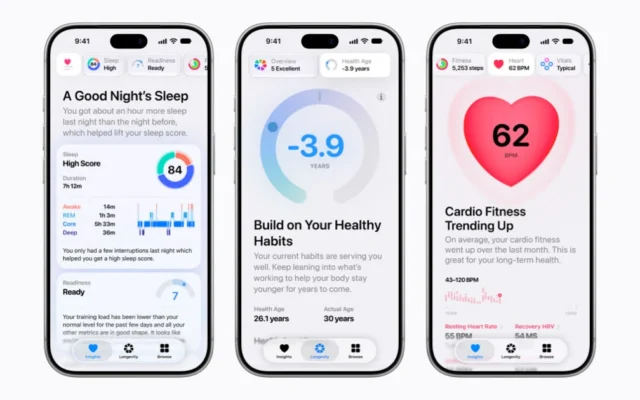
A watch face is an interface used in seconds. The best arrangement for a particular person is the one that makes the next useful piece of information easy to recognize, without requiring a search through several competing details.
Choose the information first
Apple’s guide explains adding supported complications to a watch face. Available positions and choices depend on the face, apps, model, and software. Start with the information you want, then select a face that presents it clearly.
Try a short list: the next appointment, a timer, a useful activity view, or a frequently opened app. Those are examples of possible roles, not a requirement to fill every available position.
Test at a glance
Our suggested test is to look at the watch during an ordinary day without deliberately studying it. Can you identify the needed information quickly? Does it remain readable in the lighting and text size you normally use?
A face that looks attractive in a large phone preview may feel crowded on the wrist. Contrast, type size, and the amount of changing information can matter more than how many features are available.
Keep different situations simple
If work and weekends require different information, a small number of purposeful faces may help. Give each a clear role rather than collecting many nearly identical variations. Learn the switching method that works for your software version.
Review the arrangement after a week and remove anything you never use. A complication earns its place by helping with a real task or decision. The goal is a watch that feels immediately understandable when you glance at it, with enough flexibility to change when the shape of the day changes.
Sources & further reading
Source material checked November 5, 2026. Availability and software features can change.
Written with AI assistance, checked against the sources linked above, and reviewed by our editorial desk. Analysis reflects our interpretation; product coverage does not imply hands-on testing. How we work