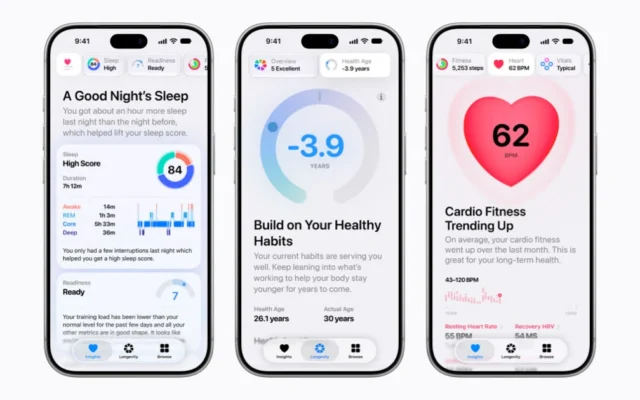
A workout screen is easier to use when it has already been arranged for the activity. Making changes while moving is inconvenient and can distract from the environment around you.
Review the supported views
Apple’s guide explains customizing workout views and available metrics. Options depend on the workout type, hardware, software, and any required accessories. Follow the instructions for the activity you intend to record.
Start with a familiar workout and inspect the current screens while stationary. Identify the information that helps you follow your existing plan, rather than adding every available metric because it appears in a menu.
Prioritize readability
Our practical suggestion is to keep the main view focused on a few useful values. Check text size, contrast, and whether the data is understandable at a brief glance. A detailed secondary screen may be useful afterward without belonging in the primary view.
If an accessory contributes data, confirm that it is connected and functioning before the session. Record the setup so that a later gap is easier to distinguish from a change in the workout itself.
Verify recording afterward
At the end, check that the expected activity was saved and that the basic information is plausible. If something is missing, note the workout type, settings, device state, and accessories involved before repeating the same setup.
This is interface guidance, not an exercise prescription or a medical interpretation of metrics. Follow an appropriate personal training or health plan and use professional advice where needed. The useful technical result is a screen that supports the session without requiring unnecessary interaction, followed by a record you can understand in the context of how it was collected.
Sources & further reading
Source material checked November 5, 2026. Availability and software features can change.
Written with AI assistance, checked against the sources linked above, and reviewed by our editorial desk. Analysis reflects our interpretation; product coverage does not imply hands-on testing. How we work