- PROLED XDR and touch input on 14- and 16-inch models
- M5 Pro or M5 Max configurations
- Manufacturer specifications; independent testing still matters
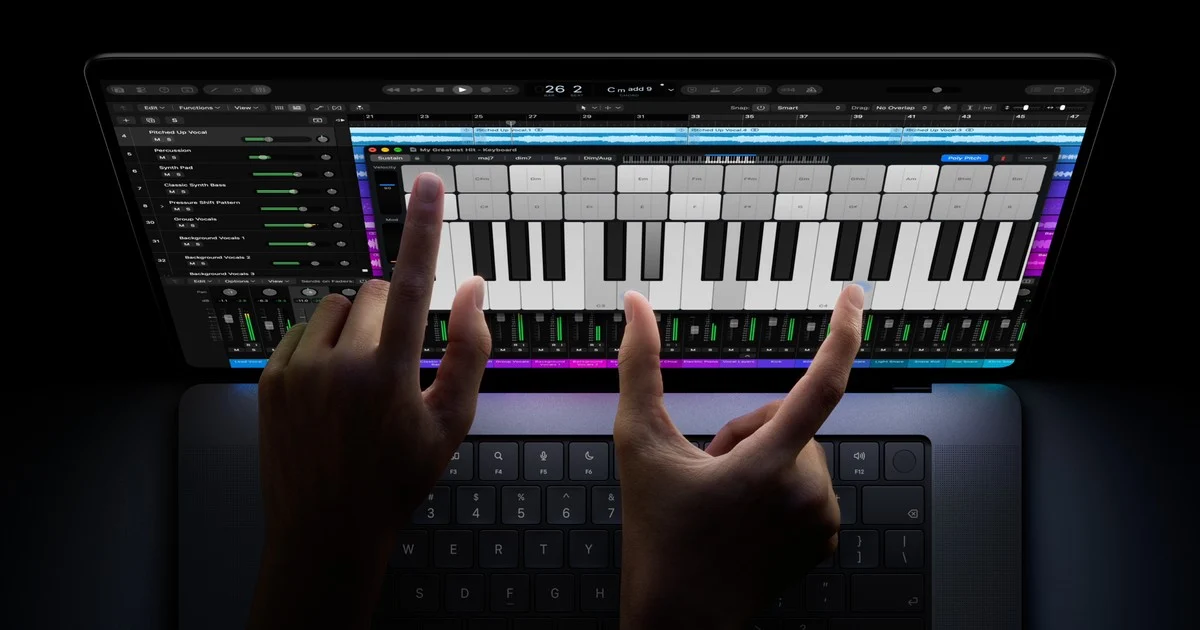
Apple’s October 28 MacBook Pro announcement changes more than the processor inside a familiar enclosure. The company has introduced 14- and 16-inch models with a PROLED XDR display, tandem OLED technology, and touch input. For creative professionals, the screen is the headline.
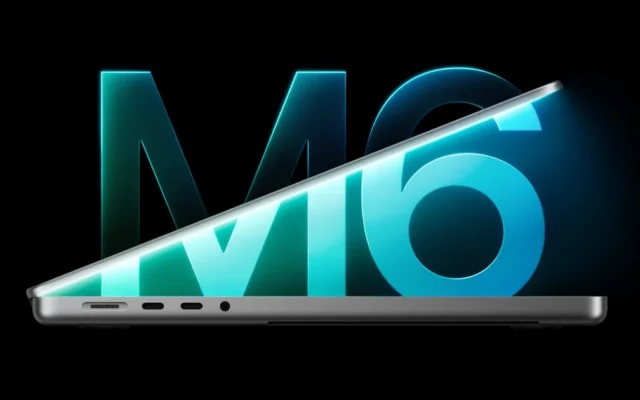
Apple lists up to 2000 nits of peak HDR and SDR brightness, an adaptive refresh rate reaching 120Hz, and support for P3 and Adobe RGB. These are manufacturer specifications, not results from our own display measurements. The models use M5 Pro or M5 Max chips; they should not be confused with the separate M6-equipped 14-inch MacBook Pro announced a day earlier.
Why the screen deserves attention
A notebook display is both a workspace and a reference point. Photographers judge color, editors inspect highlights, and designers make decisions that will appear on other screens or in print. A broader feature list can be valuable, but only if the display behaves predictably in the conditions where someone actually works.
Our buying framework starts with three questions: which color space does the job require, how often is the notebook used outdoors or under bright lighting, and does the workflow already depend on an external reference monitor? Those answers matter more than choosing a machine from a single headline brightness figure.
Touch introduces a different question. It can provide another way to manipulate content, but an extra input method is useful only when the apps and physical setup support the task. A musician adjusting a virtual instrument and a writer editing a long document may reach very different conclusions about its value.
What to examine before ordering
Make a list of the applications, plug-ins, displays, docks, and storage devices that must work on day one. Then check their compatibility with the exact notebook configuration and operating system. A fast machine can still interrupt work if one essential component is waiting on an update.
If possible, try the display in person with your own type of content. Look at small text, dark interfaces, bright photographs, and a project you understand well. A showroom demonstration is a useful first impression, although it cannot replace extended testing of consistency, battery life, or comfort.
The questions independent testing should answer
We want to see sustained brightness measurements, reflections in difficult lighting, color accuracy across presets, and battery use with representative professional workloads. Touch ergonomics over a full workday also deserves attention. Until those tests exist, Apple’s announcement is a promising specification sheet rather than a complete performance verdict.
For owners whose current Mac remains reliable, there is no need to turn the announcement into an immediate deadline. Identify the limitation you want to solve, price the complete setup, and compare that improvement with the disruption of migrating a working environment.
Sources & further reading
Source material checked November 5, 2026. Availability and software features can change.
Written with AI assistance, checked against the sources linked above, and reviewed by our editorial desk. Analysis reflects our interpretation; product coverage does not imply hands-on testing. How we work